
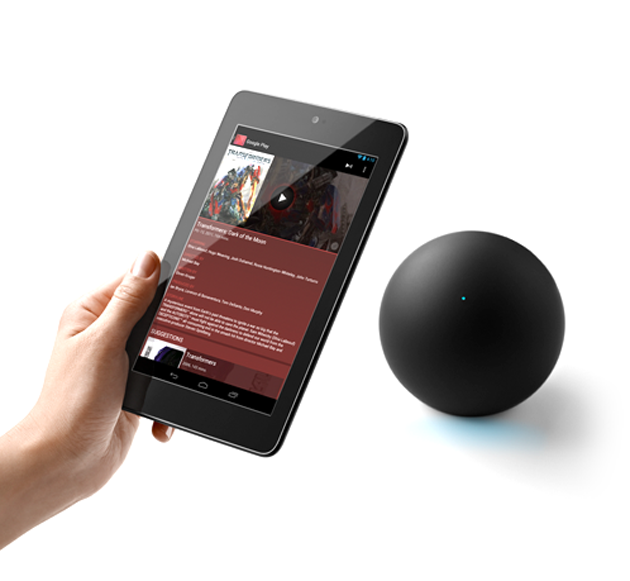
Nexus Q streams your favorite entertainment directly from the cloud to your living room. Just use the Google Play and YouTube apps on your Android phone or tablet to surf an ocean of music, TV, movies and videos, and Nexus Q will play it all on the biggest speakers and screen in the house. There are no downloads, no syncing, no running out of space. Just the stuff you love — at home and out loud.
Music
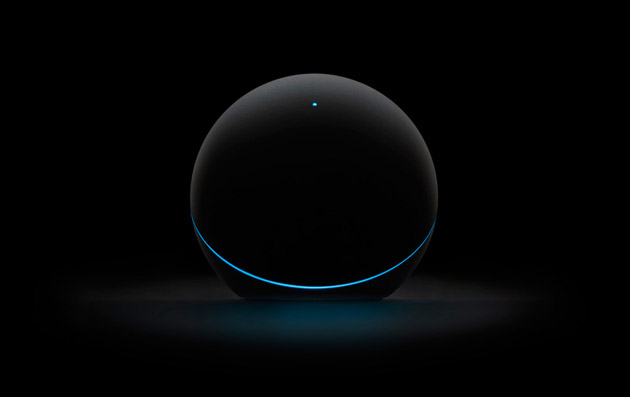
Choose a song from the Google Play Music app on your phone or tablet and play it instantly on Nexus Q. Discover millions of songs in the Google Play store, and upload up to 20,000 of your own for free. Music Manager uploads your iTunes or Windows Media Player library to Google Play so that your collection is available anywhere, anytime.
Movies and TV
Thousands of movies and TV shows are instantly available from Google Play on your Nexus Q. Just browse or search on your phone or tablet and stream whatever you want to watch to your HDTV with Nexus Q.
YouTube
Sit back and watch your favorite YouTube videos and channels from your couch. Use your Android phone or tablet to search for a specific video or explore a category to find something new. Sign in to play favorites, subscriptions, and playlists in your YouTube account.
Q the Party
Why shouldn’t everyone at the party be able to add their own music, movies and videos to the mix and choose what’s playing? All your guests need is an Android phone or tablet and a connection to your Wi-Fi network. Prefer your own taste in music? Just turn off guest mode in your Nexus Q settings and it’s all you.
Get loud
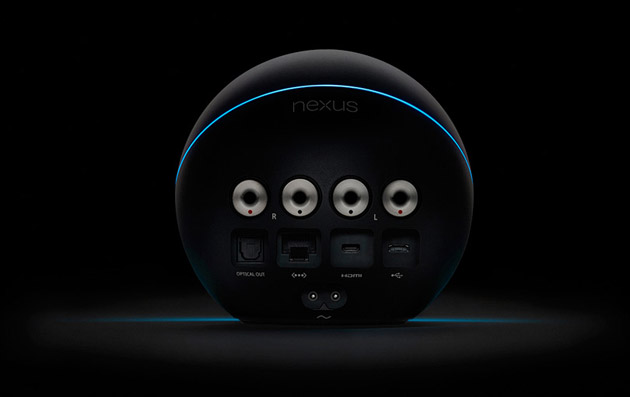
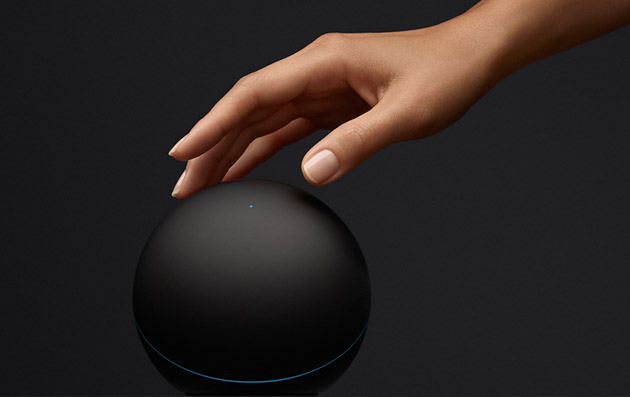
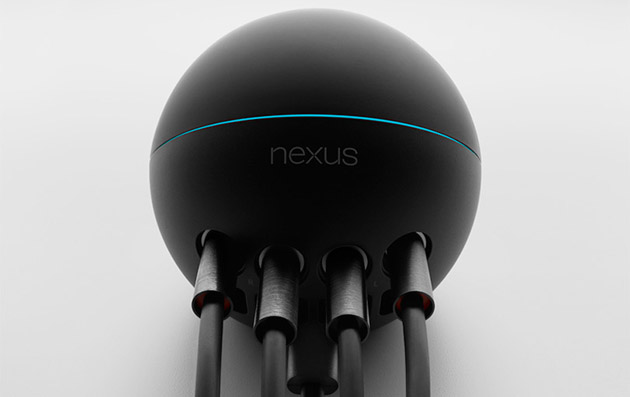
Into sound? Like, really into sound? You choose how you want to turn it up. Nexus Q has a state of the art, audiophile-grade amplifier built in so you can hook your speakers right up, or use an optical or HDMI cable to connect Nexus Q to your AV receiver or HDTV. Once you’re playing, you can control the volume from your phone or tablet, or simply by turning the top half of Nexus Q. Just touch the top LED to mute the sound completely.